Complete the store listing assets

More people who see the listing click Install.
The number it moves
Store rating
Average star rating on the Chrome Web Store listing.
What your AI does
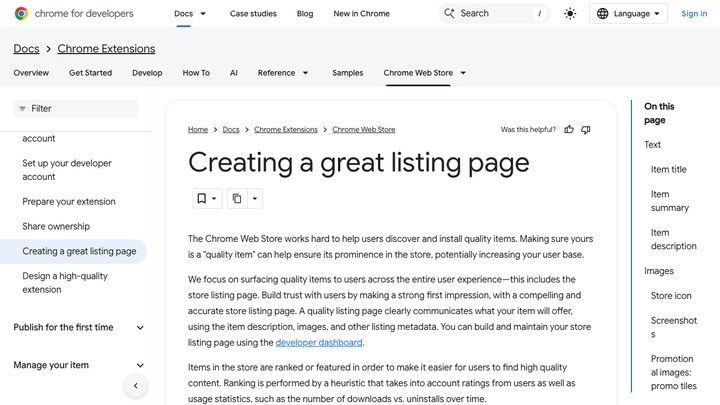
Check store assets in the repo (screenshots, promo tiles, description). Chrome recommends five screenshots at 1280x800 and a summary of 132 characters or less. Propose generating missing sizes and rewriting the summary to state the benefit.
Done when
- Five screenshots at 1280x800 exist
- The summary is 132 characters or less
- The summary says what the user gets
The prompt
Paste this into any AI coding tool, or run it in MightyMouse and your AI works on your own project.
Complete the store listing assets (Browser extension)

Check store assets in the repo (screenshots, promo tiles, description). Chrome recommends five screenshots at 1280x800 and a summary of 132 characters or less. Propose generating missing sizes and rewriting the summary to state the benefit.

Done when:
- Five screenshots at 1280x800 exist
- The summary is 132 characters or less
- The summary says what the user gets

Read the code first. If it already does this well, change nothing and say so. Otherwise make the smallest change that makes every line above true.

Work with what this project already uses. Do not add a paid tool or service unless I ask for one.

Playbook: https://getmightymouse.com/playbooks/extension-complete-the-store-listing-assets/ - published by MightyMouse. Source: Chrome for Developers, https://developer.chrome.com/docs/webstore/best-listing
The skill file
Save this as SKILL.md and Claude Code or Cursor can run the playbook any time you ask.
---
name: extension-complete-the-store-listing-assets
description: More people who see the listing click Install. Use on a browser extension project to improve "Store rating".
---

# Complete the store listing assets

Check store assets in the repo (screenshots, promo tiles, description). Chrome recommends five screenshots at 1280x800 and a summary of 132 characters or less. Propose generating missing sizes and rewriting the summary to state the benefit.

## Done when

- [ ] Five screenshots at 1280x800 exist
- [ ] The summary is 132 characters or less
- [ ] The summary says what the user gets

## How to run it

Read the code first and tick every line that is already true. If all are true, change nothing and say so. Otherwise make the smallest change that makes the rest true, then report each line as done or not done.

Work with what this project already uses. Do not add a paid tool or service unless I ask for one.

Playbook: https://getmightymouse.com/playbooks/extension-complete-the-store-listing-assets/ - published by MightyMouse. Source: Chrome for Developers, https://developer.chrome.com/docs/webstore/best-listing